Build a Bakery Guides
From your first Cookie to Masterpiece trays, patio expands, and Workstation staffing.
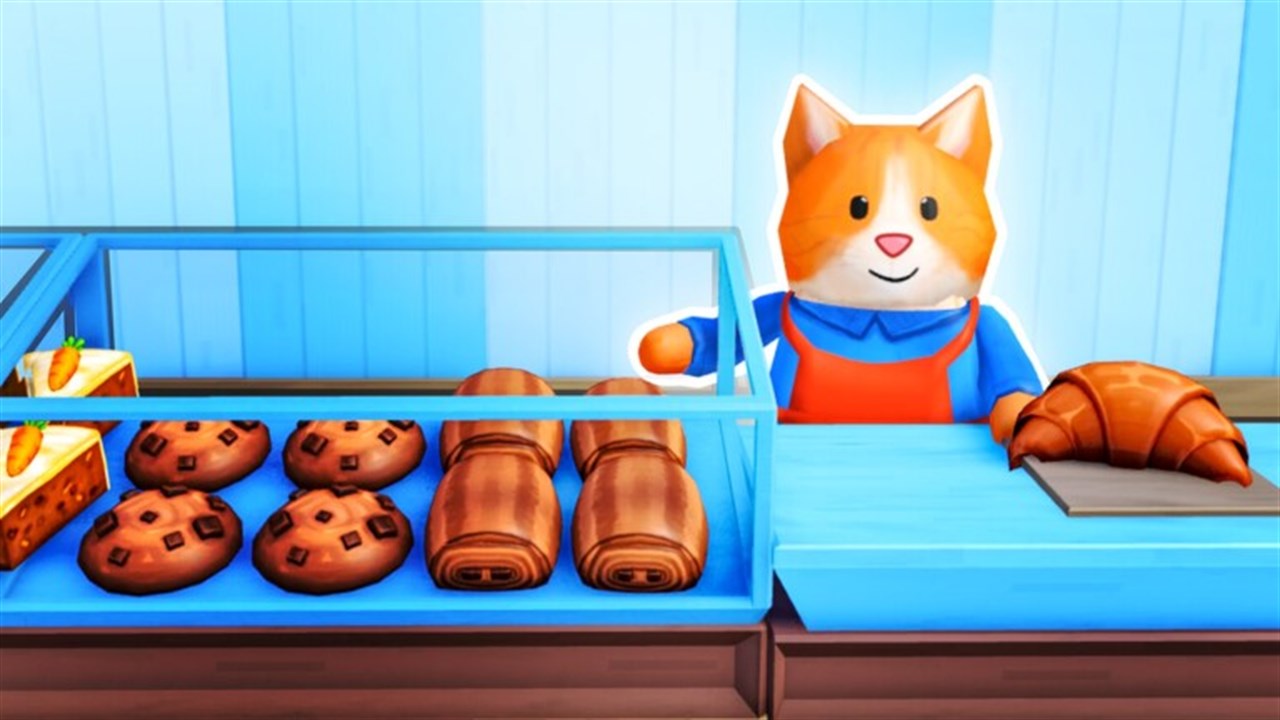
This Guides Hub is the walkthrough map for Build a Bakery, the Roblox simulation / tycoon from Baking Community (Bertik, Olikus, Sameek). Every guide below teaches a real station or system inside the cozy bakery loop: buy ingredients on the blue gingham Market button, mix on the Mixer, bake in the Oven, stock the Display Case, serve customers, then reinvest cash into upgrades, recipes, helpers, and patio space.
Servers host 6 players. You can visit friends’ bakeries for layout ideas, then return home to apply Build Mode furniture. There are 40+ recipes in the Recipe Book with Easy → Advanced → Very Hard → Masterpiece difficulty colors, plus badges at 5 / 10 / 25 / 40 discoveries. Use the list below in order if you are brand new; jump selectively if you already sell Croissants and need Assemble tips or helper Set Recipe timers.
All guides
Getting Started
Day-one route: claim your plot energy, buy Flour and Butter, bake your first Cookie, fill the Display Case, and prioritize Oven upgrades before fancy Epic ingredients. Includes the core HUD buttons and a mid-article gameplay video.
How to Bake
Deep dive on Market rarities (Common / Rare / Epic), Mixer patterns (Mix Dough vs Batter vs Assemble finishes like Cream Puff), Oven timing, and Display Case stocking so shelves never go dark during a rush.
Recipe Book
Tier colors, badge milestones (Apprentice, Pastry Chef, Pâtissier, Master Baker), discovery cash claims, and a markdown table of example recipes — Cookie, Bread, Muffin, Croissant (~$68), Chocolate Chip Cookies, Simple Cake, Cheesecake (~6m45s), Cream Puff, Pastel de Nata, Baked Custard, Blueberry Tart, and more.
Animal Helpers
Staff Honey Bear and Snowy Bunny on Workstations with Set Recipe loops, and place Midnight Cat at the Register for tips and banking. The intended AFK-friendly production layer — no executor required.
Build Mode
Press [B] to enter Build Mode, Click to place, [R] to rotate, [V] for table patterns, [C] to recolor, and use the outdoor Expand Patio sign when you need more customer space. Layout tips for faster serve paths.
Game Passes
All four official Robux passes (+1 Build Slot 99 / 129, More Colors! 199, Advanced Building Tools 549) explained with honest free-to-play priority — cosmetics only, recipes stay cash-unlockable.
Suggested learning path
- Finish Getting Started and sell Cookies until upgrades feel smooth.
- Read How to Bake before buying Epic Vanilla Bean for Assemble recipes.
- Open Recipe Book and chase the Apprentice (5) and Pastry Chef (10) badges.
- Hire helpers via Animal Helpers so Workstations run short Chocolate Chip or Pastel de Nata loops.
- Redesign flow with Build Mode and Expand Patio once the indoor counter bottlenecks.
- Only then skim Game Passes if build slots or recolors still feel capped.
- Optimize picks with the recipe tier list and helpers tier list.
Systems these guides assume
| System | Reminder |
|---|---|
| Market | Blue gingham button — Common / Rare / Epic ingredients |
| Bake HUD | Red gingham Bake button feeds the production UI |
| Mixer | Flour+Butter → Dough; Flour+Egg+Milk → Batter |
| Oven | Longer trays (Cheesecake) need upgrades or they clog |
| Display Case | Empty shelves = lost customers |
| Recipe Book | Color-coded difficulty; claim discovery rewards |
| Helpers | Bear / Bunny produce; Cat banks tips |
| Build Mode | [B][R][V][C] + patio expand |
| Game Passes | Build slots / colors / tools only — optional Robux |
Codes, scripts, and updates
Promo codes are not confirmed active as of November 2026 — details on the Codes Hub. Third-party automation is covered with risk notes on the Scripts Hub; prefer helpers. Patch timing and the Fri Nov 27 New Area! event live under Updates, the dedicated New Area guide, and the changelog. Official Roblox links sit on the Links Hub.
Related hubs
- Tier List Hub — value rankings for recipes and helpers
- Players Hub — staffing roles overview
- Codes Hub — free cash without waiting on promos
- Updates Hub — 1.3M+ visits milestone and New Area dates
- Game Passes — Robux build cosmetics explained
Write nothing into the oven until Flour and Butter are paid for — then scale. These guides keep every step concrete so your bakery hits concurrent rushes without guessing which button is gingham blue versus red.
Frequently Asked Questions
Quick answers for bakers climbing the Recipe Book.
Which guide should I read first?
Start with Getting Started for the Cookie → Display → Oven upgrade route, then How to Bake for Mix versus Assemble details.
Do the guides cover multiplayer?
Yes. Build a Bakery supports online play in 6-player servers, including visiting friends’ bakeries for layout ideas while you progress your own shop.
Where are recipe difficulty colors explained?
In the Recipe Book guide: Easy (green), Advanced (cyan), Very Hard (red), and Masterpiece (black-gold), plus badge thresholds at 5, 10, 25, and 40 recipes.
Is there a controls guide for building furniture?
Use the Build Mode guide for [B] enter, Click place, [R] rotate, [V] patterns, [C] recolor, and Expand Patio.
Will guides mention YouTube videos?
Selected pages embed one real gameplay video mid-article (for example Getting Started and Build Mode). We never invent video IDs.